Multi-account workspace for web and mobile operations

MoreLogin Multi-Account Workspace for Browser and Mobile Operations

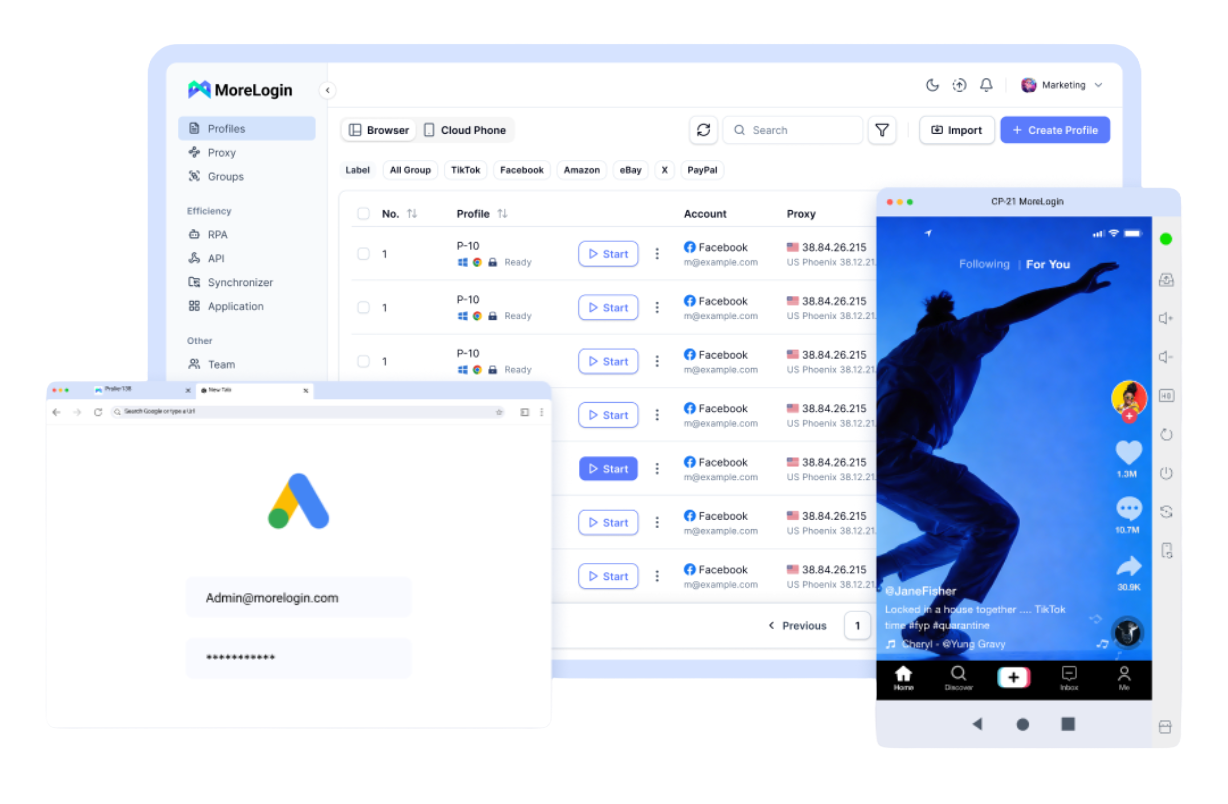
MoreLogin gives web accounts dedicated browser environments and mobile app accounts cloud Android devices, then connects those environments with automation, team permissions, and controlled access to account data. Use one workspace to organize long-running account operations across local and cloud environments.

  • 2 permanently free browser profiles
  • 100 free cloud phone minutes
  • No credit card required to start
MoreLogin fingerprint browser and multi-account management platform

Dedicated Environments for Web and Mobile Accounts

Keep browser-based accounts and Android app accounts in separate, persistent environments, with profile settings, sessions, proxies, and access controls managed from the same workspace.

MoreLogin isolated fingerprint browser profiles

Browser Environments

Persistent browser profiles

Create a dedicated profile for each web account with its own browser fingerprint, proxy, cookies, local storage, startup behavior, group, and tags.

Local and cloud browser runtime

Run supported profiles on the desktop client for daily work or start them as cloud browser sessions for remote automation and server-side workflows.

Try Fingerprint Browser
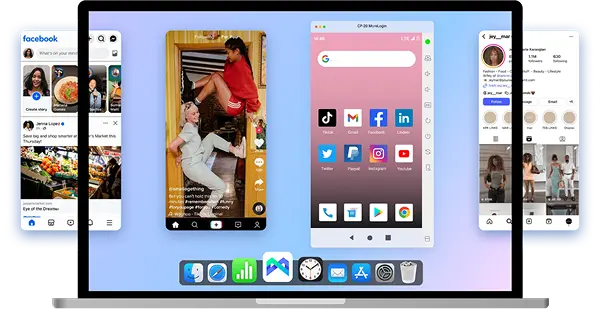
MoreLogin cloud Android phone environments

Cloud Android Devices

Complete Android environments

Use cloud-based Android devices for mobile app accounts, remote operations, app workflows, file handling, proxy configuration, and automated tasks.

Scale mobile environments without device fleets

Add cloud phones as workloads grow and organize mobile account activity without purchasing, connecting, and maintaining large numbers of physical devices.

Try Cloud Phone
Automation

Automation for Repeatable Browser and Mobile Workflows

Use RPA, synchronized actions, and APIs to standardize recurring work across browser profiles, cloud browsers, and cloud Android devices without turning the homepage into a developer reference.

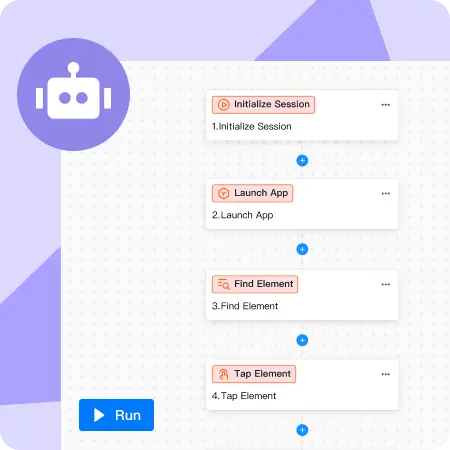
Build Reusable RPA Workflows

Create repeatable browser and cloud phone workflows for routine account tasks, content operations, profile setup, and other multi-step processes using visual automation.

Create a Workflow
MoreLogin RPA workflow automation

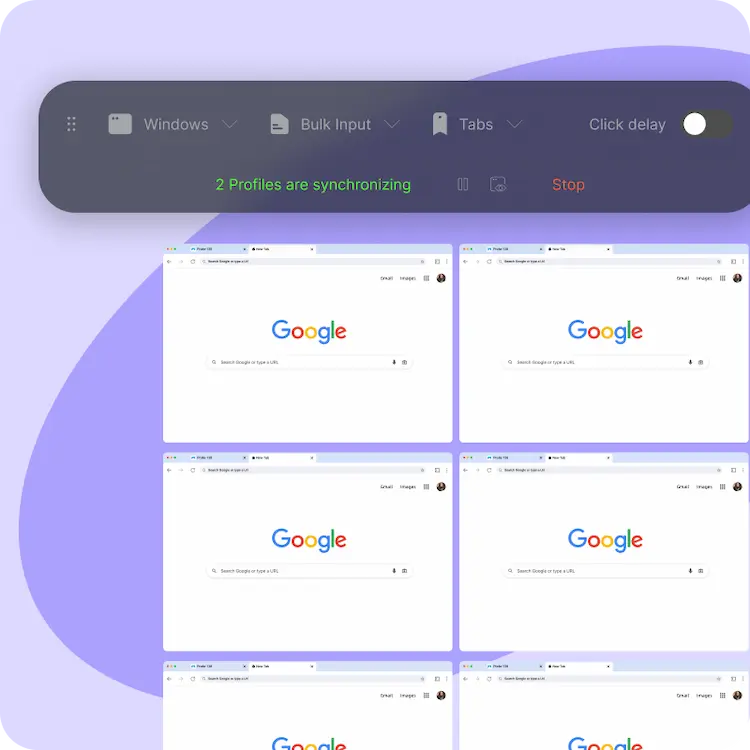
Synchronize Repeated Actions Across Environments

Mirror supported mouse, keyboard, text, and navigation actions across multiple environments when the same operation needs to be repeated consistently.

Try Batch Control
MoreLogin browser and cloud phone synchronizer

Connect MoreLogin to Internal Tools and Automation

Use Local API or Open API to manage profiles, proxies, groups, tags, and cloud runtimes, then connect supported browser sessions with tools such as Playwright, Puppeteer, or Selenium.

Explore Developer Tools
MoreLogin fingerprint browser API integration
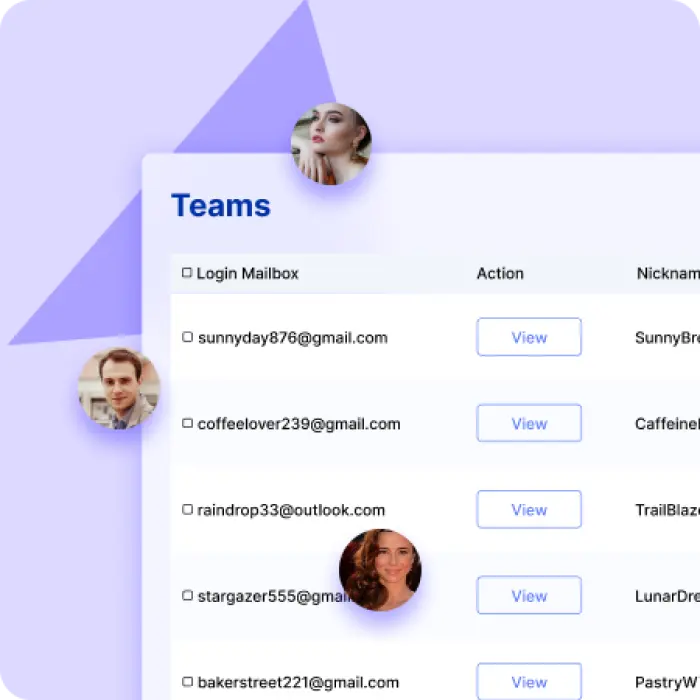
MoreLogin team permissions and browser profile management
Team permissions and account access

Control Who Can Access Each Account Environment

Assign browser profiles or groups to authorized members and define role-based permissions so teams can work in shared environments without distributing raw account credentials through chat or email.

Start Team Management
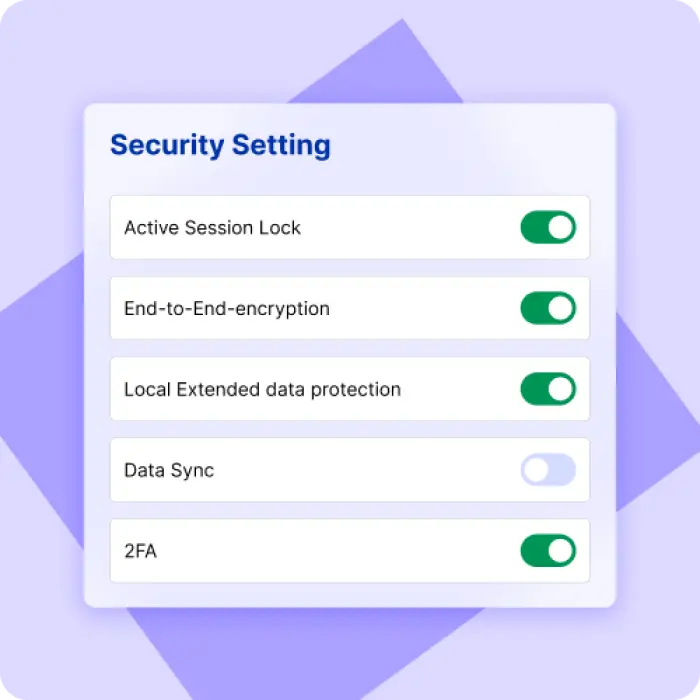
Data isolation and controlled access

Protect Browser Data During Daily Operations and Handoffs

Keep account sessions and profile data inside managed environments, use controlled member access, and enable supported encryption options where appropriate. Security controls reduce unnecessary exposure but do not guarantee account outcomes on third-party platforms.

Download MoreLogin
MoreLogin browser data security and privacy protection

Multi-Account Workflows Across Common Business Teams

MoreLogin can support teams that manage many persistent account environments, but each platform still has its own account, automation, and acceptable-use rules.

Marketing and Advertising Agencies

Separate client accounts by profile or project, preserve session state, assign access to account managers, and standardize recurring campaign operations.

Affiliate Marketing Teams

Organize account environments, proxies, groups, tags, and repeatable workflows by campaign, region, client, or traffic source.

E-Commerce Operations

Maintain independent environments for stores and marketplaces, keep sessions persistent, and hand account work to authorized team members with clearer boundaries.

Social Media Operations

Manage multiple social account environments, keep sessions separated, control member access, and automate selected repetitive publishing or maintenance tasks.

Facebook account management X account management Instagram account management
FAQ

MoreLogin Frequently Asked Questions

Understand how MoreLogin combines browser environments, cloud Android devices, automation, team access, and multi-account operations.

MoreLogin is a multi-account workspace for web and mobile operations. It combines dedicated browser environments, cloud Android devices, automation tools, team permissions, and shared resource management in one platform.
Each web account can use a separate browser profile with its own fingerprint configuration, proxy, cookies, local storage, startup settings, groups, and tags. Profiles can be organized and launched individually or in supported bulk workflows.
The fingerprint browser is the browser-environment layer of MoreLogin. It creates persistent profiles with configurable browser and device parameters so different web account sessions can be organized separately. It does not guarantee that third-party platforms will never link, review, or restrict accounts.
Browser profiles are designed for web-based accounts, while Cloud Phones provide complete Android environments for mobile apps. Cloud Phones run remotely and can be used for mobile account operations, app workflows, and supported automation.
MoreLogin supports team roles plus profile- or group-based authorization. Administrators can assign access to selected environments so authorized members can work with persistent sessions without routinely sending account passwords through messaging tools.
MoreLogin supports RPA, synchronized actions, Local API, Open API, cloud browser runtimes, and integrations with browser automation frameworks. Available capabilities depend on the environment, runtime, client version, and account permissions.

Build Dedicated Account Environments with MoreLogin

Start with separate browser profiles and cloud Android devices, then add automation and team workflows as your operational requirements grow.

Download MoreLogin